We recently started using NetDrive to connect to an FTP server.
We have found the copy to be extremely slow. We were copying 127 files totaling 967KB in size from one folder on the FTP to another folder. After about half an hour of copying it had only copied 65 files.
Because the copy was running so slowly, I had to stop it and complete the copy another way.
We would appreciate any help with improving the speed of the copy.
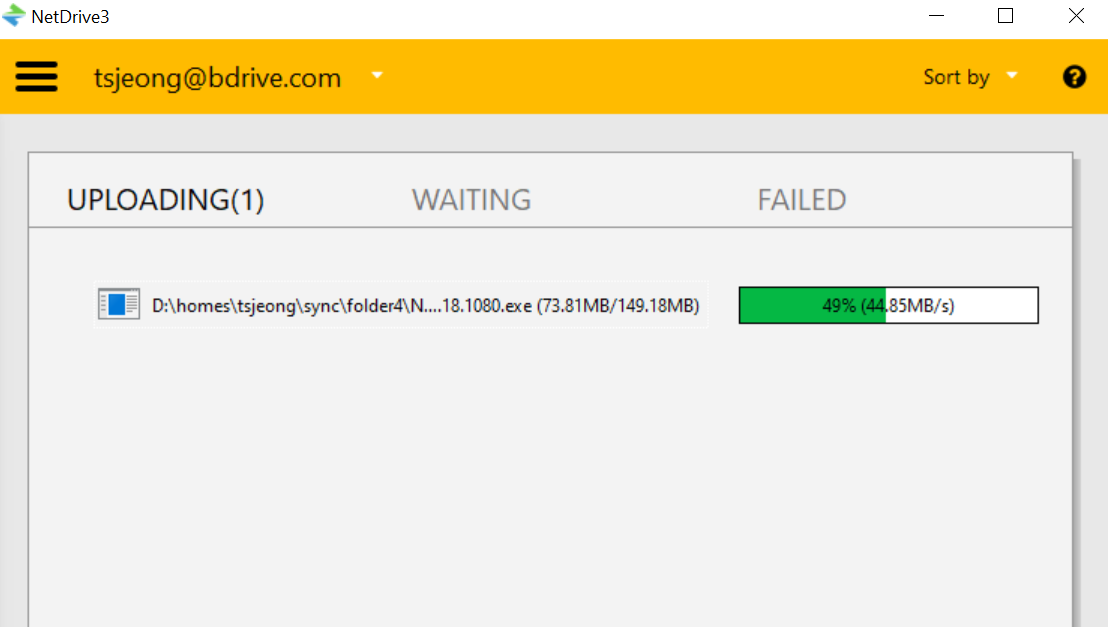
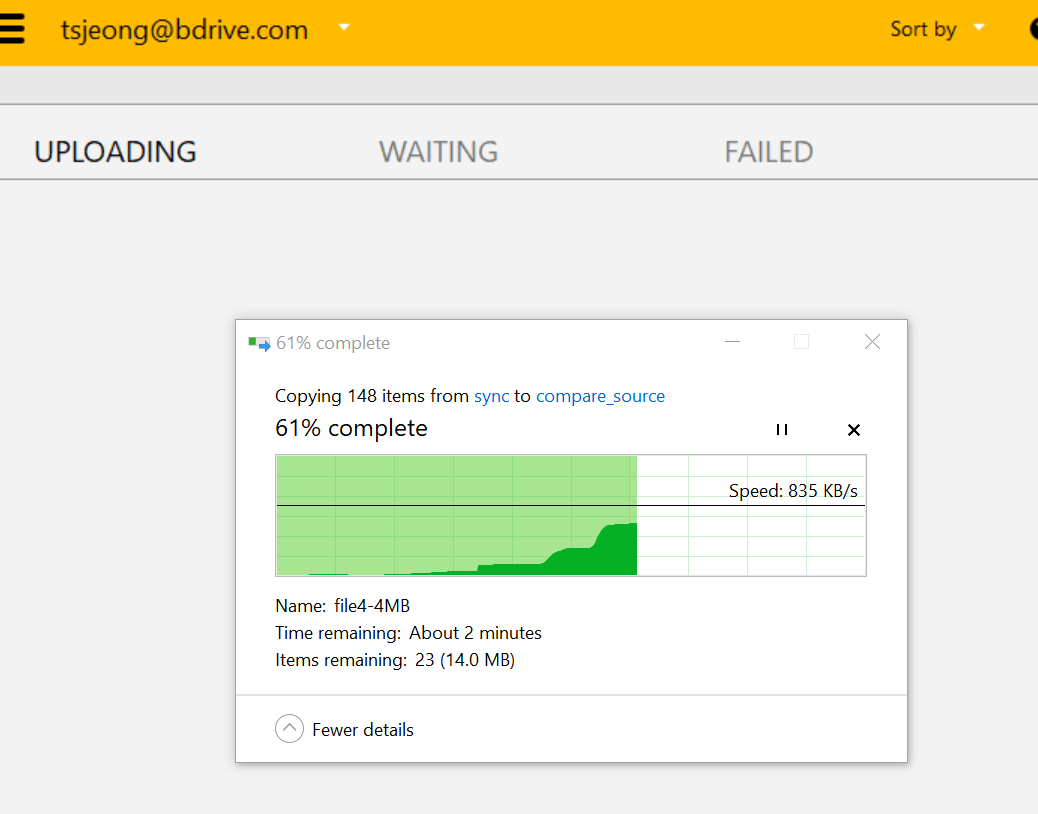
We have tested the same scenario using NetDrive version 3.18.1125, copying both 148 small files and a single large file, and the results showed normal transfer speed in our environment.
I have change the Log setting, repeated the copy twice and attached the Log files.
I tried the copy two ways, first using Windows File Explorer and then secondly using xcopy in a Command Prompt. Both copies took about 8 minutes to complete. There were 127 files totaling about 900KB in size.
Yesterday after I stopped the copy through NetDrive I then stopped the NetDrive Services and started up WebDrive (which we also have). I copied the same files using WebDrive and it took about 1 minute to do the exact same copy. I also tried copying the same set of files using FileZilla and the copy completes in about 30 seconds.
Thank you again for providing the log files. We’ve reviewed the logs and identified some key details.
Before proceeding, could you please confirm how you are performing the copy operation?
For example, are you using Windows File Explorer, or are you copying files through a script or another program? This information will help us better understand the behavior.
From the logs, we observed that during each file transfer, NetDrive seems to be operating in the following pattern:
“Transfer one file → Change directory (CWD) → Request file list (GetFileList)”
This sequence is being repeated for each file, resulting in thousands of CWD and GetFileList commands. This likely causes significant performance overhead and explains the slow copy speed you’re experiencing.
If your server supports SFTP or WebDAV, could you try connecting with those protocols using NetDrive and see if the same issue occurs? These protocols often handle such operations more efficiently than FTP.
Please feel free to share any further logs or test results.
We’re here to help resolve this as quickly as possible.
The copy is using the xcopy command as part of a script that is scheduled to run. The command is triggered from a .bat file.
Here is a piece of the script where there is a copy. I believe this where the copy is the slowest.
I checked the logs and I think the GetFileList is being triggered by NetDrive after the “mkdir %FTPFileBKDir%%MyDate%” command. It seems like it checks the contents of the folder before it makes the folder. Due to how many files are in the W:\EDIData/Live/In/BK/JJDBK folder it slows the communication down. There is no command in the script that is causing a dir on that folder though.
I can move those files from the W:\EDIData/Live/In/BK/JDBK folder which may help.
rem DECLARE AND INITIALIZE VARIABLES
*set FTPFileSourceDir=W:\EDIData\Live\In\JohnDeere*
*set FTPFileProcDir=W:\EDIData\Live\In\JohnDeere\JDProc* set FTPFileBKDir=W:\EDIData\Live\In\BK\JDBK
*set FTPFileImportDir=W:\EDIData\Live\In\JohnDeere\EDIImport*
rem THIS DATE VARIABLE IS FORMATTED TO SHOW THE DATE AS YYYY_MM_DD AND I USED TO HELP DATE STAMP THE RESULTING FILE NAME set MyDate=%date:~-4%%date:~0,2%%date:~3,2% mkdir T:\EDI\JohnDeere\Archive%MyDate% mkdir T:\EDI\JohnDeere\Archive%MyDate%\Dup mkdir T:\EDI\JohnDeere\Archive%MyDate%\Master
dir W:\EDIData\Live\In\JohnDeere timeout /t 60 /nobreak
rem COPY THE APP FILES TO AN ARCHIVE IN THE BK FOLDER ON THE FTP mkdir %FTPFileBKDir%%MyDate% xcopy %FTPFileSourceDir%*.app %FTPFileBKDir%%MyDate%\ /y
Unfortunately we do not control the FTP server and there is no option to use SFTP or WebDAV, so FTP is our only option.
Thank you again for the detailed explanation and the log files.
Based on your input, we are now performing a more in-depth internal analysis on our side to determine what exactly is causing the slowness.
From what we’ve seen so far, NetDrive issues multiple GetFileList commands automatically when interacting with FTP directories—especially after a mkdir command. In your case, it appears that the large number of files in the JDBK directory triggers excessive directory listing operations, which in turn slows down the subsequent xcopy file transfer.
At this point, we are investigating whether this behavior is primarily due to how NetDrive internally handles xcopy, FTP, or whether external factors such as the FTP server environment are contributing to the delay.
We truly appreciate your patience, and we will do our best to identify the root cause clearly and provide a reliable explanation and solution for you.