Hello! I’m having this problem: after updating Backblaze, a cloud backup app, mounted NetDrives are no longer detected in the Backblaze app. Has anyone else had similar issues?
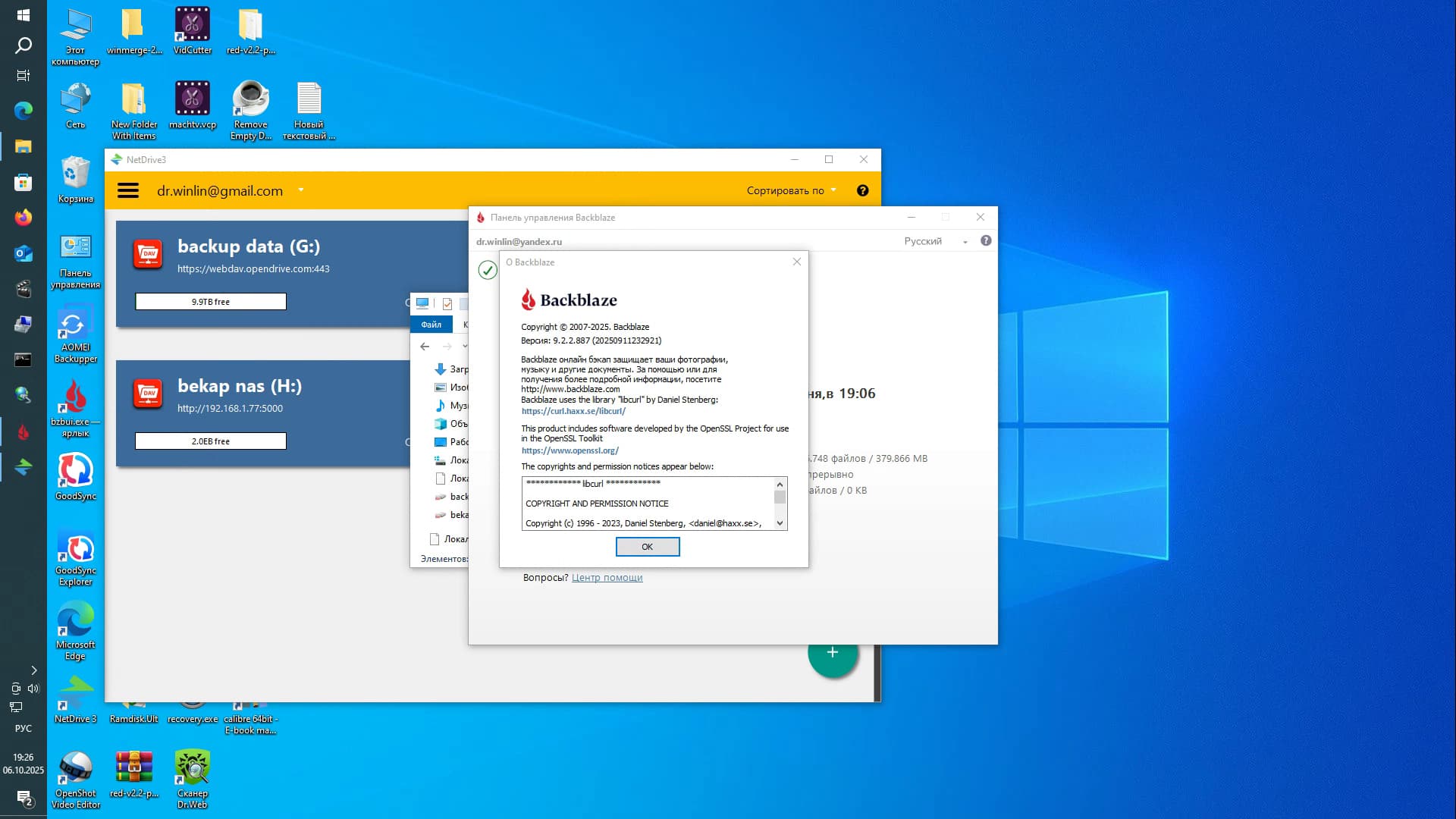
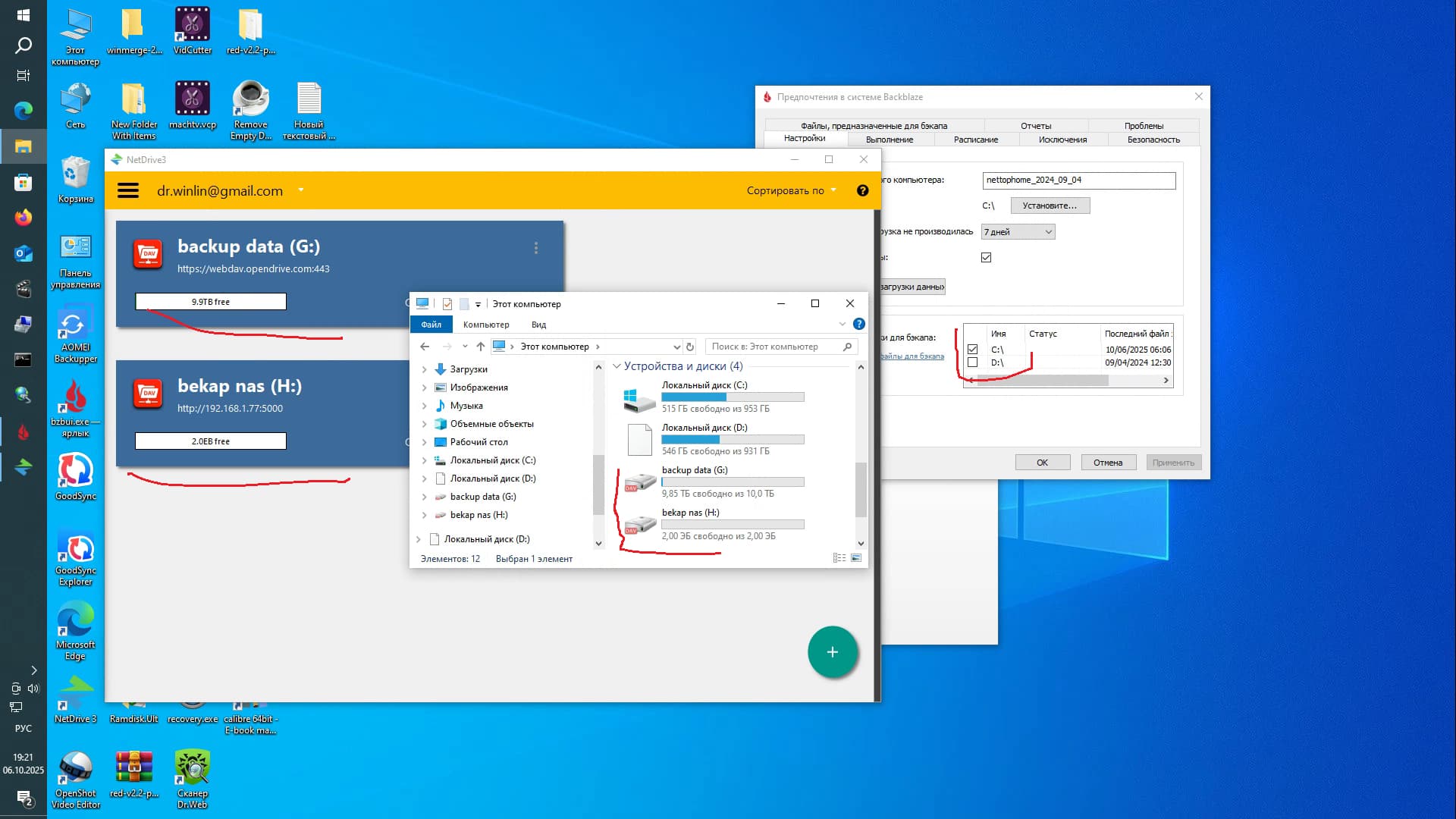
Hello dr-winlin,
Thank you for contacting us.
This issue appears to have started after the latest Backblaze update.
It seems that Backblaze has recently changed its policy and now may no longer recognize virtual drives mounted by NetDrive (such as WebDAV, FTP, or NAS connections) as local drives.
This is likely not a NetDrive issue, but rather a change in how Backblaze identifies or allows mounted drives.
Please try the following steps:
- Change the mount type in NetDrive.
- If it is currently mounted as a Local Drive, change it to a Network Drive.
- If it is currently mounted as a Network Drive, change it to a Local Drive.
(You can change this in NetDrive by selecting the drive → Config → Mount Type.)
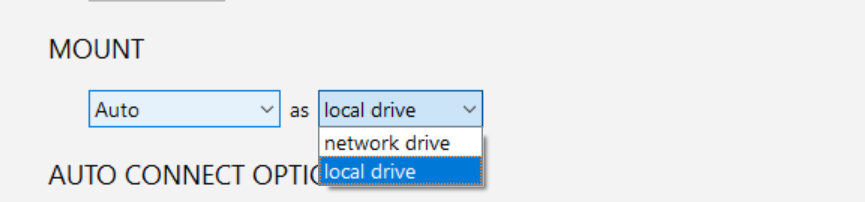
- Restart NetDrive and check if Backblaze now detects the mounted drives.
- If the problem persists, we recommend contacting Backblaze support to confirm whether they have changed their policy regarding virtual or network-mounted drives.
Since NetDrive mounts are working normally, the limitation is likely on the Backblaze side.
If you need help reviewing your NetDrive logs, feel free to reach out — we’ll be glad to assist.
Thank you for your cooperation.
Best regards,
NetDrive Support Team
Hello. Thanks for your reply. I figured out from the start that Backblaze was the problem. It worked before, but after updating the program, it stopped working properly. Your recommendations didn’t help. They themselves mention this, saying they don’t support mounted network drives.
Here’s the quote:
In order for a drive to be selectable for backup, it must meet the following requirements (gathered from this article External Hard Drives ):
-
Have native read and write access by the operating system (for example, some utilities allow New Technology File System (NTFS) drives to be read/write accessible on macOS systems. Drives mounted in this way may be selectable, but they are not supported. Backblaze highly recommends that you do not attempt to back up these volumes.)
-
Directly connect to the computer (USB, Firewire, Thunderbolt, eSATA, and others).
-
Not be a Time Machine backup volume (macOS only).
-
Not be mounted as a removable storage device, such as many flash, SD cards, CDs, DVDs, Blu-rays, and some external SSDs do (Windows only).
-
Be in working condition.
If the drives you mentioned do not appear to be selectable for backup, then it likely does not satisfy one of the above conditions. You mentioned the drive is accessed via NetDrive, which supports backing up NAS devices. This is very likely the condition preventing the drive from being selectable for backup. Any drive accessed via a network cannot be selected for backup.
There’s no point in contacting them; it’s obvious. That’s their business model.
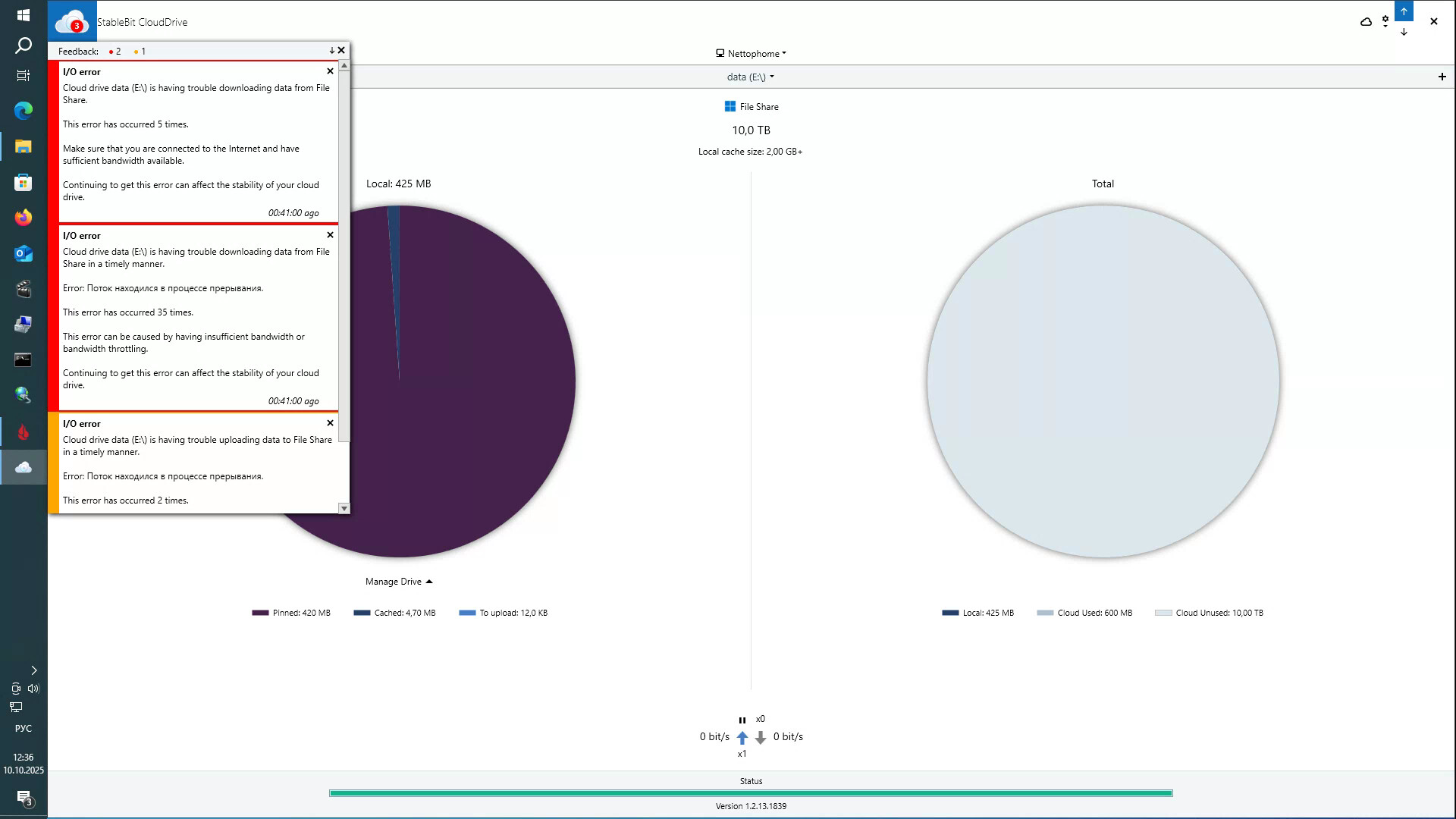
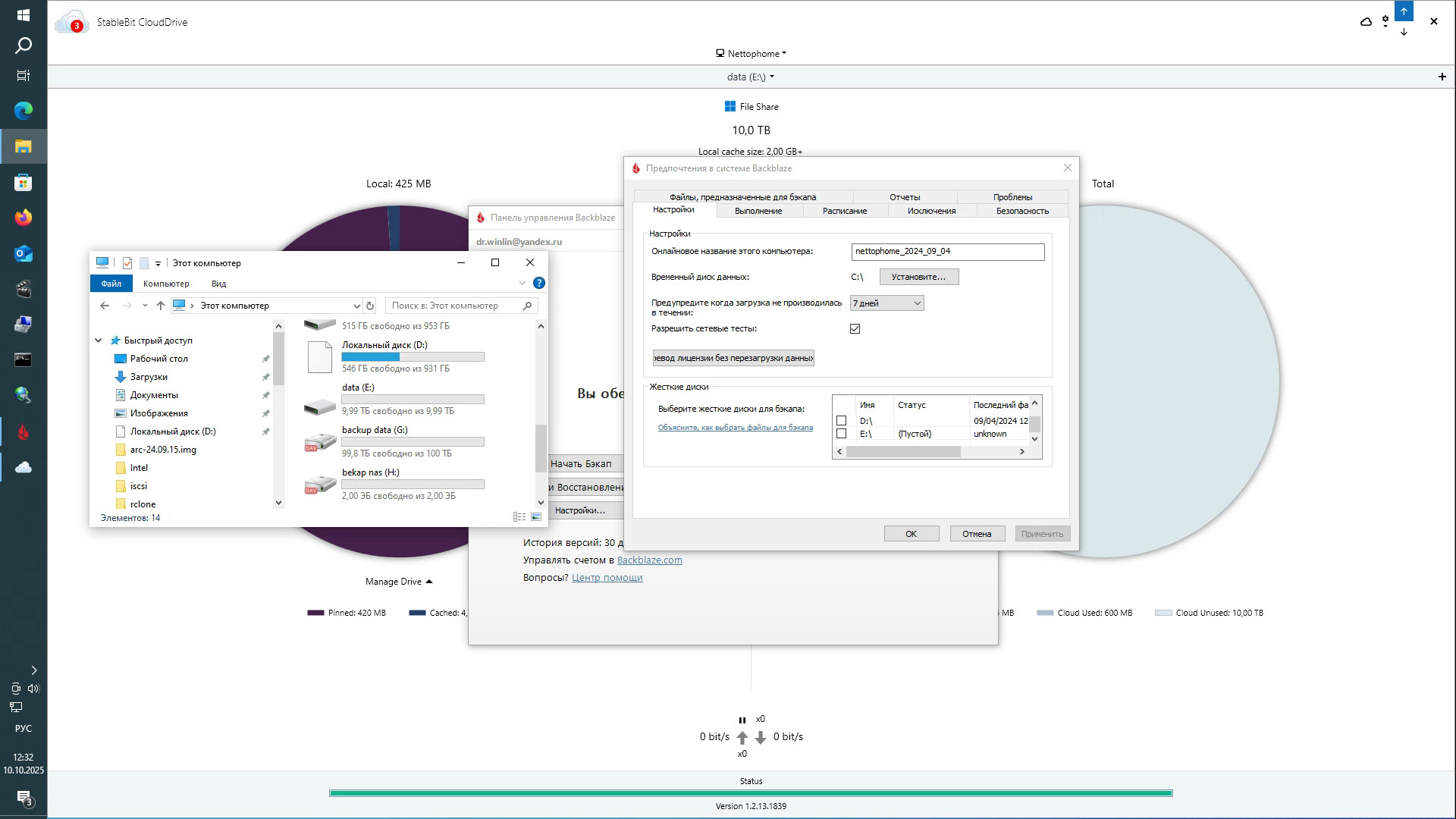
But I found another solution. I created a virtual local disk based on your app using another app, Stablebit CloudDrive, and it was successfully detected in Backblaze. But time will tell how stable and reliable this solution is. Stablebit CloudDrive is showing some errors. I’ll have to ask the developers.
Hello dr-winlin,
Thank you very much for your detailed explanation and for sharing your findings.
Your analysis of Backblaze’s behavior and policy is very helpful.
As you mentioned, Backblaze currently does not support drives accessed through a network connection,
which explains why NetDrive-mounted drives are excluded after their recent update.
However, it’s indeed unusual that Backblaze still identifies the drive as a “network drive” even when NetDrive mounts it as a “Local Drive.”
Under normal conditions, a NetDrive volume mounted as Local Drive is recognized by Windows as a native local disk.
It seems Backblaze’s internal filtering has become stricter in detecting non-physical drives.
Your alternative approach using Stablebit CloudDrive is quite clever.
As you noted, it will be important to observe its long-term stability and reliability.
If you encounter further issues or discover any improvements, please feel free to share them —
we’ll also review possible compatibility enhancements on our side.
Thank you again for your thoughtful feedback and cooperation.
Best regards,
Bdrive Support Team
I have this issue as well.
This topic was automatically closed 7 days after the last reply. New replies are no longer allowed.